Token types & pickers
Token Flow Manager understands the DTCG token types and gives each one a fitting editor, from a simple text field to a full colour picker or a structured editor for composite tokens.
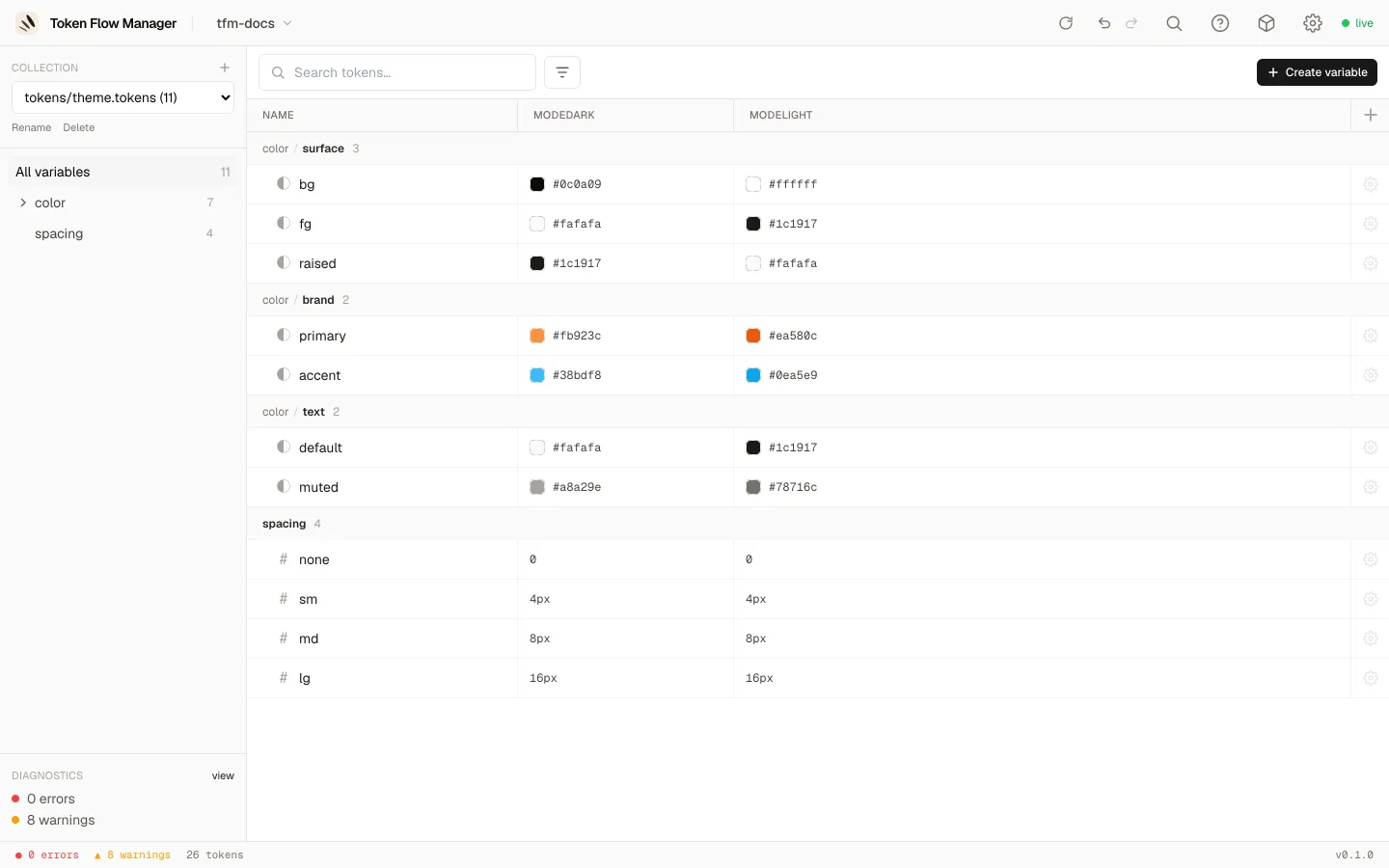
Simple types
Edited inline in the table (double-click a cell, or press Enter on a focused cell):
| Type | Editor |
|---|---|
color |
Colour picker (see below) |
dimension, number |
Text input with ↑/↓ steppers |
fontFamily, fontWeight, duration |
Text input |
cubicBezier |
Four numbers [x1, y1, x2, y2] |
strokeStyle |
Text / select |
Colour picker
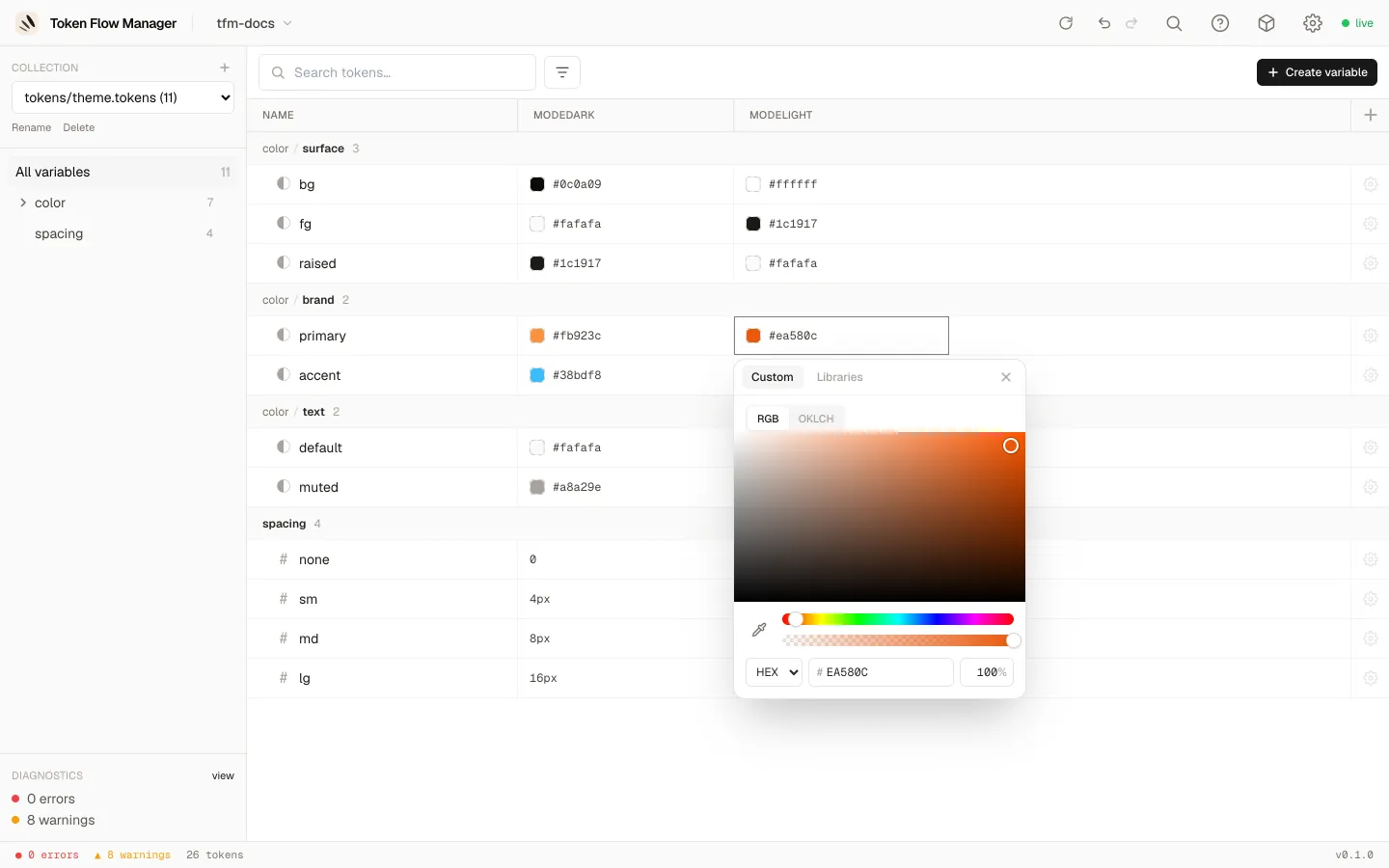
Click any colour cell to open the picker. It has two tabs: Custom (enter your own value) and Libraries (alias another token).
Saturation/value square, hue and alpha sliders, an eyedropper, and HEX or RGB input.
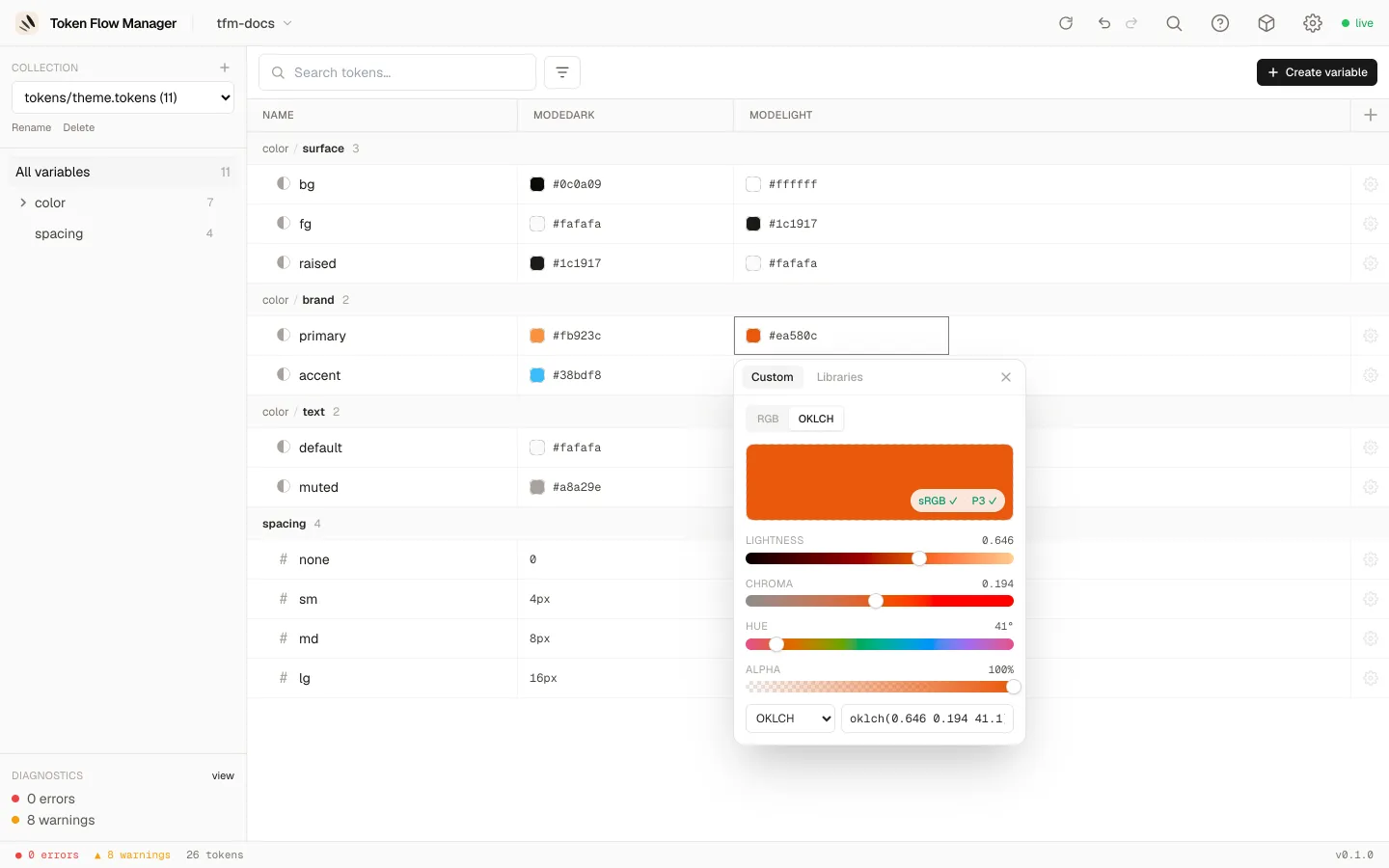
Lightness, chroma and hue sliders with live sRGB / P3 gamut badges, and output as OKLCH, Display P3 or HEX.
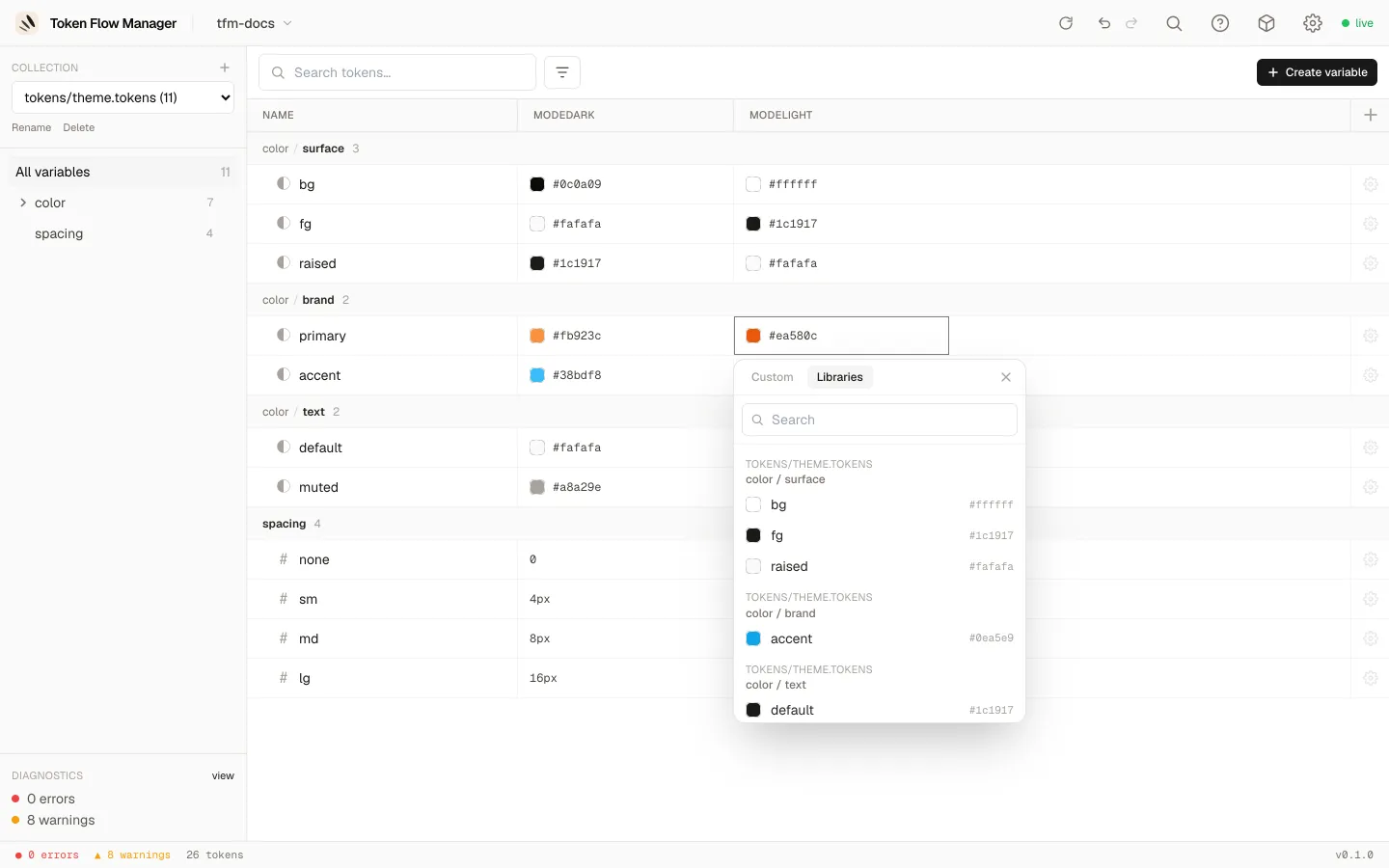
Search and pick another token to alias. Colour tokens show a swatch and their resolved value.
Composite tokens
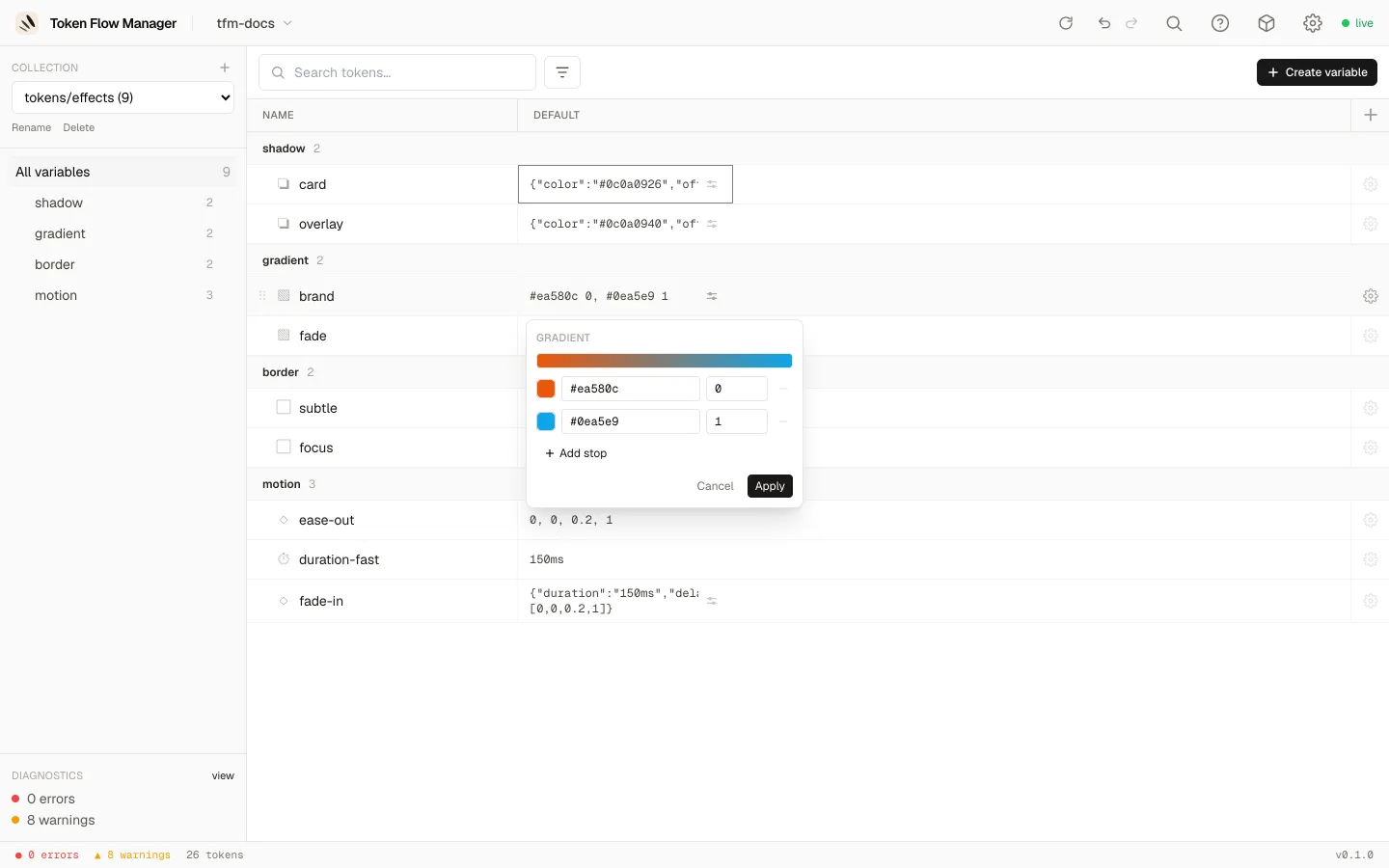
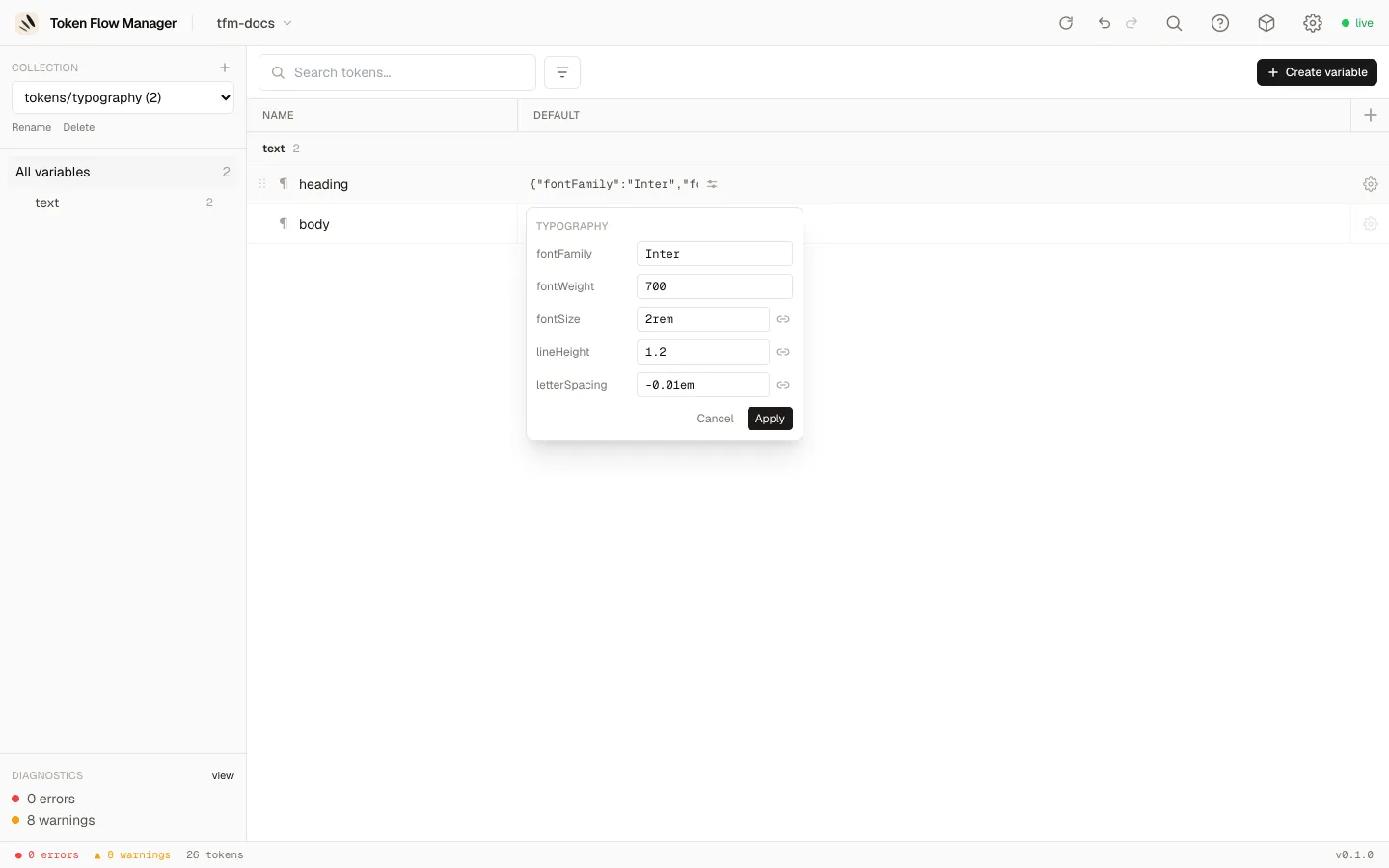
Composite tokens (objects or arrays) get a structured expand-in-place editor. Click the sliders icon on a composite cell. Each field gets the right control: colour fields open the colour picker, dimensions and numbers are text inputs, and you can alias individual fields.
color, offsetX, offsetY, blur, spread.
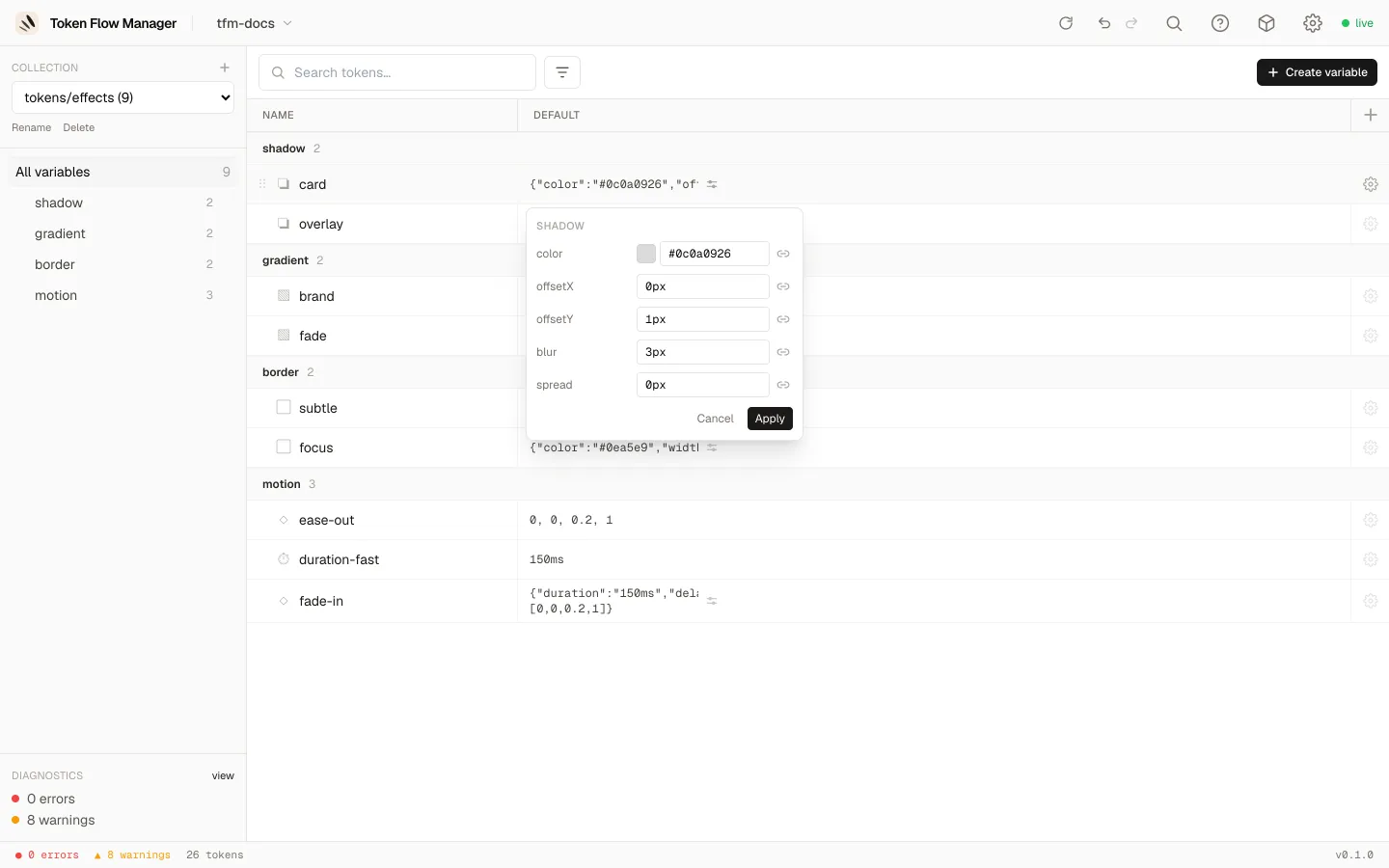
A preview bar and a list of colour stops (colour + position), with Add stop.
fontFamily, fontWeight, fontSize, lineHeight, letterSpacing and more. Any
field can be a literal or an alias.
border and transition work the same way, each with their own fields.